Pixelris
# PIXELRIS
Short description
Draw pixel art and animate it in your browser. Layers, onion skinning, and PNG/GIF export in a compact editor.
Description
PIXELRIS is a browser-based pixel art and frame-by-frame animation tool. Start with a tiny icon, sketch a game character, or build a looping animation—one pixel at a time.
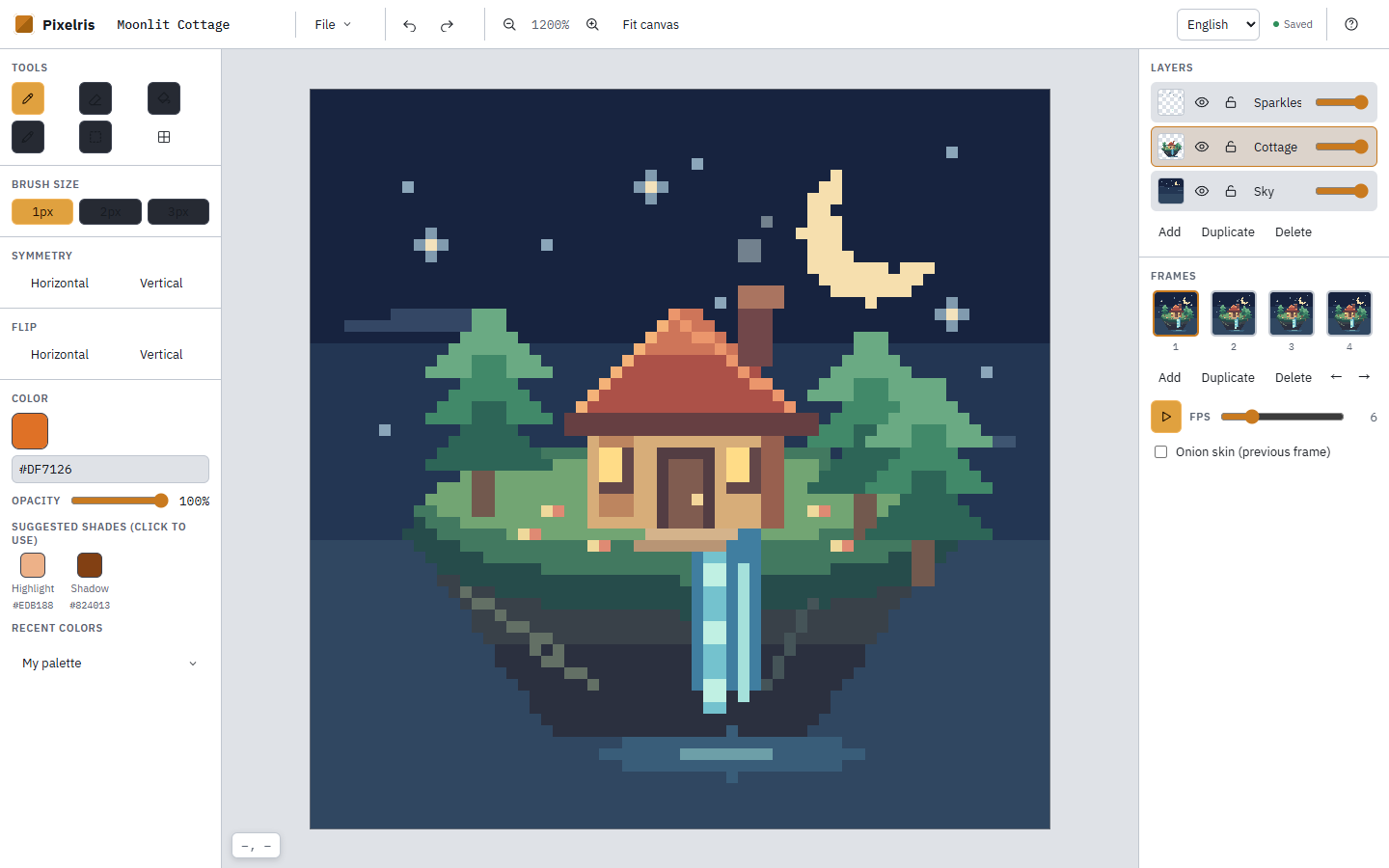
The interface is in Traditional Chinese, with light and dark appearances that follow your system settings. Use it for pixel art practice, small game art sketches, and sprite animation.
## Draw, layer, animate
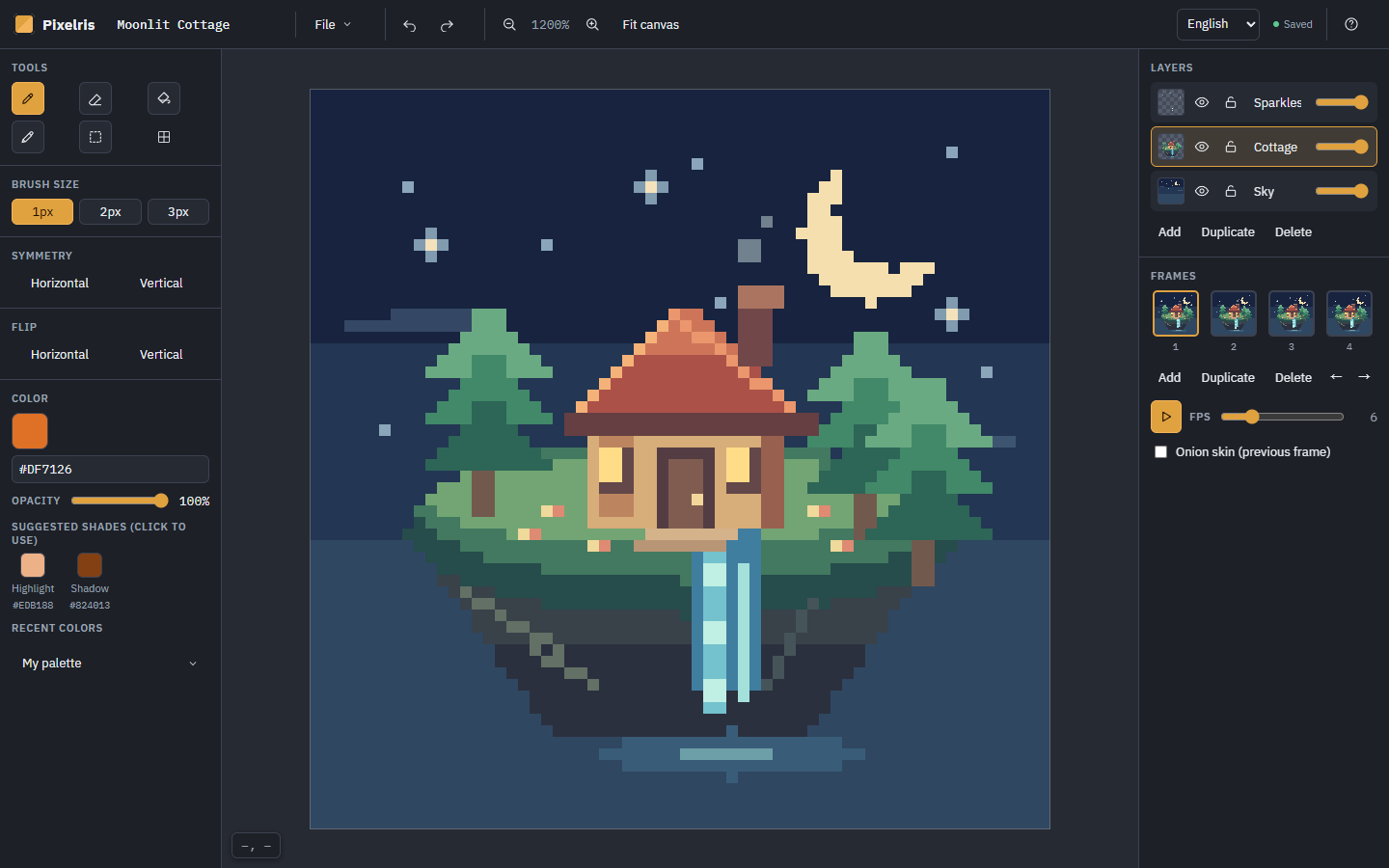
- Pencil, eraser, fill, eyedropper, and selection/move tools.
- 1, 2, and 3 px brushes, a pixel grid, zoom, mirrored drawing, flips, and straight-line drawing.
- HEX color input, opacity, highlight/shadow suggestions, and custom palettes.
- Multiple layers with visibility, locking, naming, duplication, and opacity controls.
- Frame creation, duplication, and reordering, plus onion skinning and playback at 1–24 FPS.
- Canvas presets from 16×16 to 64×64, with custom width and height from 4 to 128 pixels.
## Keep your work editable
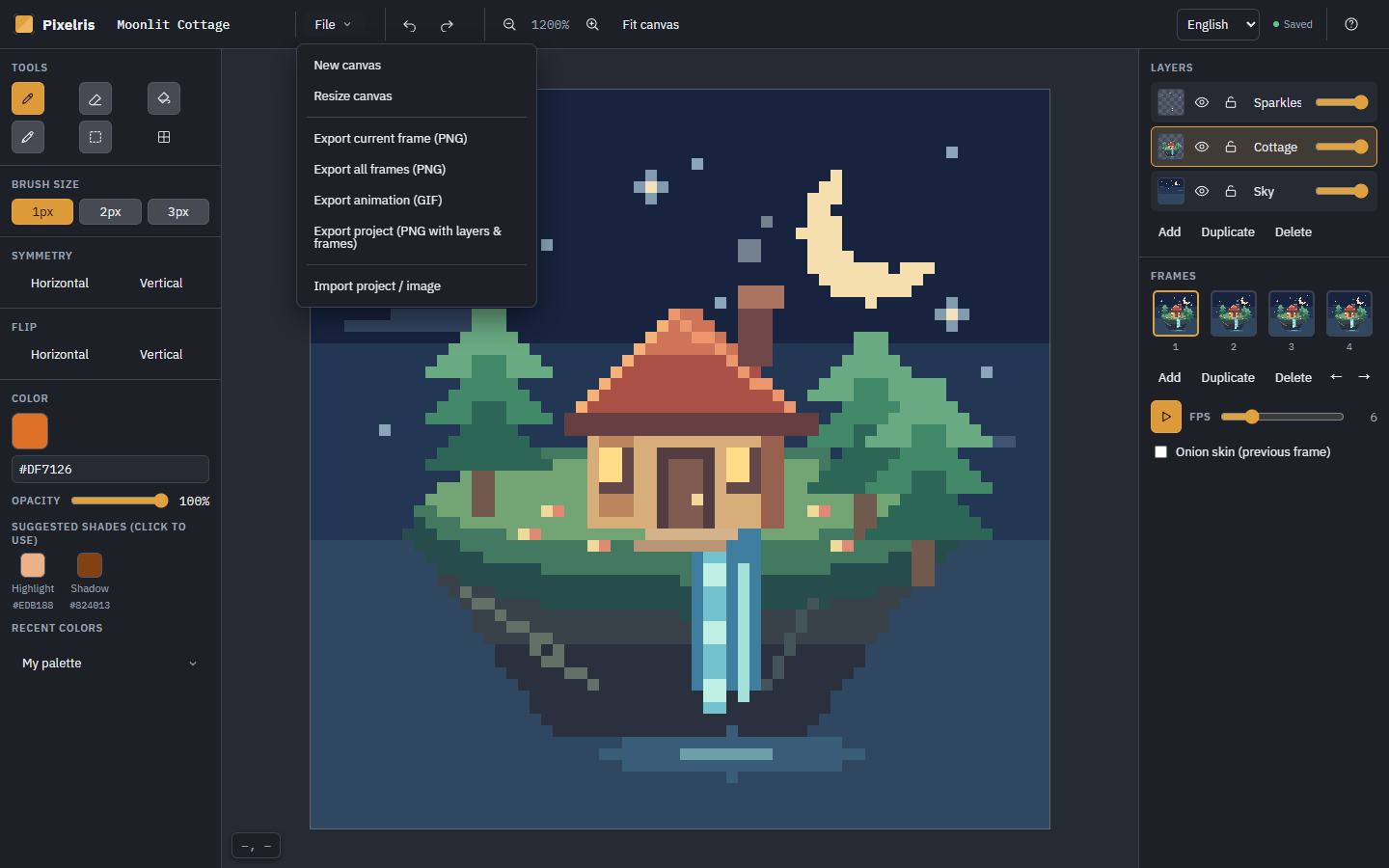
Export the current frame or all frames as PNG, or export an animation as GIF.
Project PNG export stores the complete layer and frame data inside a PNG image. Import that original project file back into PIXELRIS to continue editing. Regular images can also be imported as new layers.
## Getting started
Create a canvas, pick a color, and draw. Add layers to separate elements, then add frames to bring them to life. Open the File menu (檔案) to export your artwork or save an editable project backup.
A desktop browser with a mouse and keyboard is recommended. Use B for pencil, E for eraser, G for fill, I for eyedropper, M for selection, Ctrl+Z to undo, and Space to play or pause. Open the “?” button for the full shortcut list.
## Saving
Progress is saved automatically in the current browser's local storage. There is no cloud sync. Export a project PNG before changing browsers or devices, or clearing site data. Keep the original file: image conversion and social media processing may remove its embedded project data.
The Moonlit Cottage artwork in the screenshots is a demonstration project. The editor starts with a new canvas.
Leave a comment
Log in with itch.io to leave a comment.